
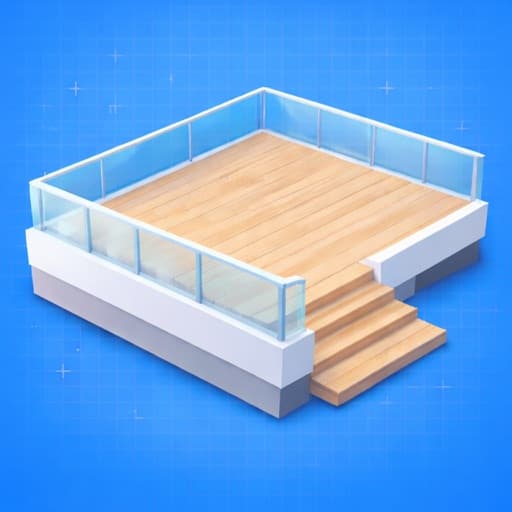
Pricing
Free + Pro monthly or annual plans
Shapes
Straight, wraparound, gazebo, multilevel, and more
Exports
Blueprint PDFs, cut lists, and project packages
Storage
No-account, on-device project workflow
Decks 3D: Deck Builder
Decks 3D helps contractors, designers, and builders plan deck projects with deck-specific framing controls, live 2D and 3D review, material outputs, and on-device export workflows instead of relying on generic home design software.
Built for
The users and project contexts this app is designed to serve.

Why teams choose it
Shared advantages carried through the mobile workflow.

Core capabilities
The main workflow coverage called out in the App Store listing.

Outputs and handoff
What users can review, package, and share after planning.

Free includes
What users get before upgrading.
Pro unlocks
What the paid tier adds for heavier day-to-day use.
Privacy and workflow ownership
What the app listing says about data handling and local control.


Platform details
Reference details pulled from the current App Store listing.
Compatibility
iPhone, iPad, Mac with Apple silicon, and Apple Vision support via the App Store listing.
Bundle ID
com.zerothfloor.decks
Released
March 19, 2026
Updated
March 20, 2026
 Important notes
Take the workflow to the field
Open the App Store listing for pricing, install, and version details, then keep the full product page close for capability and workflow context.
Quick install facts
Free with in-app purchases
iOS 17.6 or later
iPhone, iPad, Mac with Apple silicon, and Apple Vision support via the App Store listing.
Follow the full mobile lineup on the App Store
Keep track of the broader iPhone and iPad portfolio and move between roof, stair, and deck tools from the same developer profile.
Explore related apps
Move between the roof, stair, and deck workflows in the ZerothFloor mobile suite.
Roof Rafter: Framing Calc
Roof framing math, diagrams, and PDF packets from iPhone or iPad.
Roof Rafter gives framers and contractors a roof-specific workspace for calculating rafter geometry, reviewing annotated 2D and 3D outputs, and turning field inputs into organized job packets without doing roof math by hand.
Open app page
Stairs 3D: Framing Calculator
Offline stair plans, 3D inspection, and shop-ready exports.
Stairs 3D is a field-ready stair framing calculator that solves stair geometry instantly, lets users inspect the result in 3D, and packages the outcome into blueprints, cut lists, PDFs, and CSVs without requiring an account or network connection.
Open app page